

- Published: April 16,2026
Big Update: Google Gemini Is Now on Mac, You Need to See This If You Are Using Mac
You’re Probably Using Your Mac the Hard Way
Be honest.
How many times have you:
- Copied content into ChatGPT
- Switched between tabs just to summarise something
- Spent 30 minutes understanding a document
Now imagine this instead:
You’re looking at a report…
You press a shortcut…
“Summarise this.”
Done instantly.
That’s not the future anymore.
That’s Google Gemini on Mac and it’s here now.
So What Exactly Did Google Just Release?
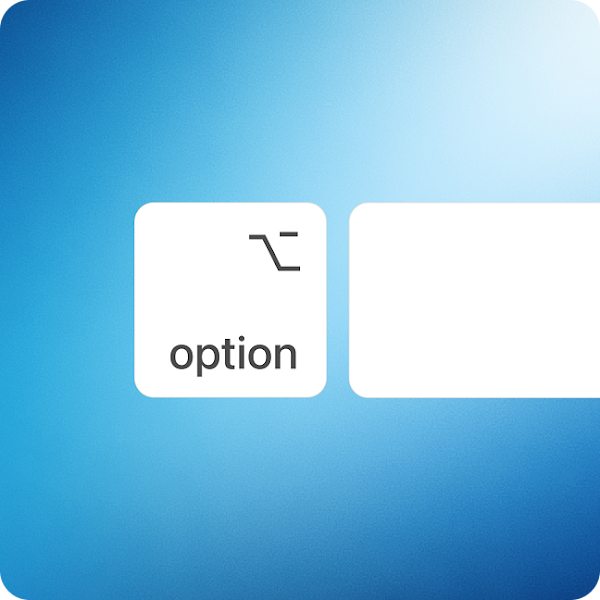
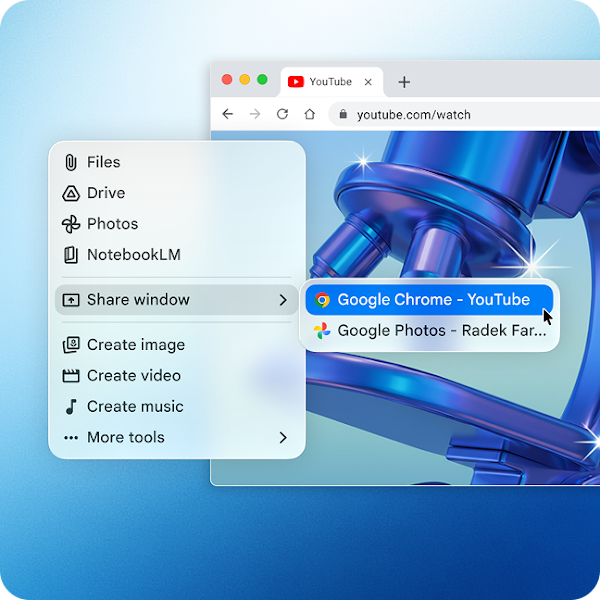

Google has officially brought Gemini to macOS — turning your Mac into a real-time AI assistant.
This isn’t just another app.
It sits on top of your workflow, meaning you can:
- Ask questions while working
- Analyse documents without uploading
- Get instant insights from what’s on your screen
No more switching tabs. No more breaking your focus.
It’s like your Mac just became… smarter.
Why This Is a Bigger Deal Than You Think
At first glance, it sounds like “just another AI feature”.
It’s not.
This changes how work actually gets done.
From Minutes (or Hours) > Seconds
Tasks like:
- Summarising reports
- Drafting emails
- Understanding data
Now happen instantly.
AI That Understands Context
Instead of typing long prompts, Gemini can:
- See what you’re working on
- Understand the content
- Give relevant answers immediately
Less explaining, more doing.
No More Context Switching
Your team stops doing this:
Work → switch tab → paste → wait → copy → go back
Instead:
Work → ask → done
That small change?
It compounds into massive productivity gains.
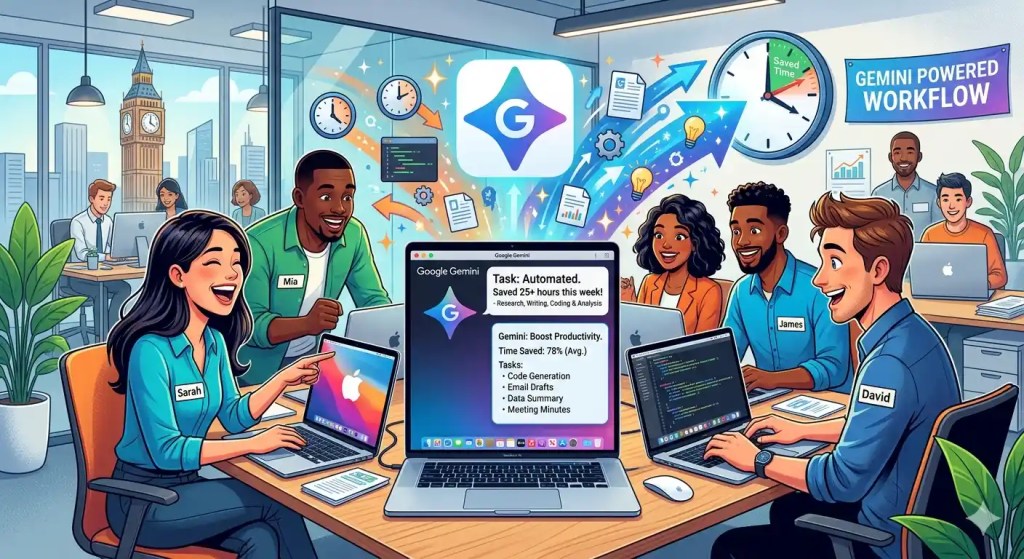
Now Imagine This Across Your Whole Company
This is where it gets interesting.
If one employee saves:
1–2 hours per day
What happens when:
- 10 employees use it?
- 50 employees use it?
- Your entire company uses it?
You’re looking at hundreds of hours saved every month
But Here’s the Reality Most Companies Face
Rolling this out across a business isn’t as easy as it sounds.
You’ll run into:
- Different device setups
- Manual installations
- Inconsistent usage
- IT team overload
And suddenly, a “simple AI tool” becomes a deployment problem
The Smarter Way: Deploy It with DaaS
Instead of handling setup, configuration, and deployment manually, businesses can simplify the entire process through Device as a Service (DaaS). With this model, organisations can ensure their teams are equipped with Mac devices that are fully set up, Gemini-ready, and standardised across all users from day one.
With Complete Human Network’s DaaS solution, businesses can deploy AI-ready devices instantly without technical setup delays, scale efficiently whether onboarding a small team or hundreds of employees, and maintain consistent device configurations across the entire organisation.
In addition, hardware, setup, and support are bundled into a single managed service, allowing employees to simply receive their devices and begin working immediately. This approach significantly reduces IT complexity while improving operational efficiency and deployment speed.