

- Published: Jul 23,2025
What is Android Device Management?
Android Device Management (ADM) is the process of remotely managing Android smartphones and tablets within an organization. It allows IT administrators to control device settings, enforce security policies, monitor usage, and perform tasks such as locking, wiping, or updating devices, all from a centralized platform.
This is especially important in today’s hybrid work setups, where teams often use Android devices in the field or at home. With tools like Android Enterprise, businesses can separate personal and work data, manage apps, and keep corporate information secure, even on employee-owned phones (BYOD).
A strong Android MDM solution helps ensure devices are not only protected but also configured for maximum productivity, reducing risks and IT overhead. Whether you’re looking to manage a few devices or scale across departments, ADM provides the control and flexibility needed to keep things running smoothly.
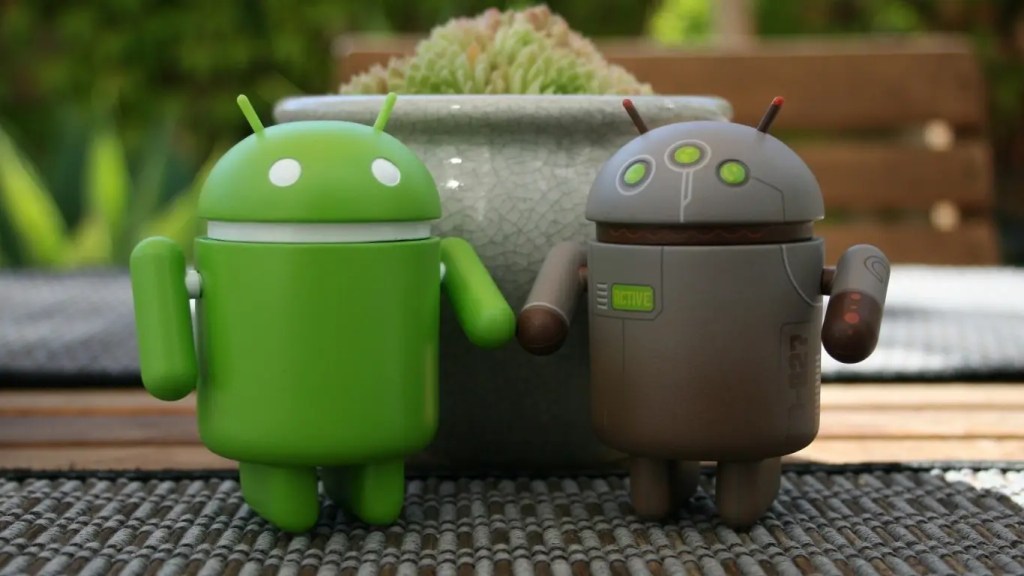
Why Android-Specific MDM Matters
While MDM in general is platform-agnostic, Android Device Management offers unique capabilities and challenges. Unlike Apple’s closed ecosystem, Android devices come from multiple manufacturers with varying levels of software updates and UI layers. This makes centralized control even more crucial.
Modern businesses use Android not just for office work, but in logistics, healthcare, retail and education. From enabling remote support to configuring kiosk modes, ADM provides a unified approach to managing Android at scale.
In industries like education, deploying tablets for students can be risky without the right controls in place. With MDM-enabled classrooms, educators can ensure safe browsing, limit distractions, and even lock devices during tests.
Key Features of Android Device Management
- Remote Configuration: Push settings like Wi-Fi, VPN, and email to devices remotely.
- App Management: Install, update, or remove apps across fleets of Android devices.
- Security Enforcement: Set password policies, encrypt storage, and remotely wipe data.
- Compliance Monitoring: Ensure devices meet regulatory requirements and internal policies.
- Location Tracking: View real-time device location and track lost or stolen phones.
These capabilities are particularly important when evaluating how to choose the right MDM solution for your business. Different solutions offer different levels of control, integration, and support for Android.
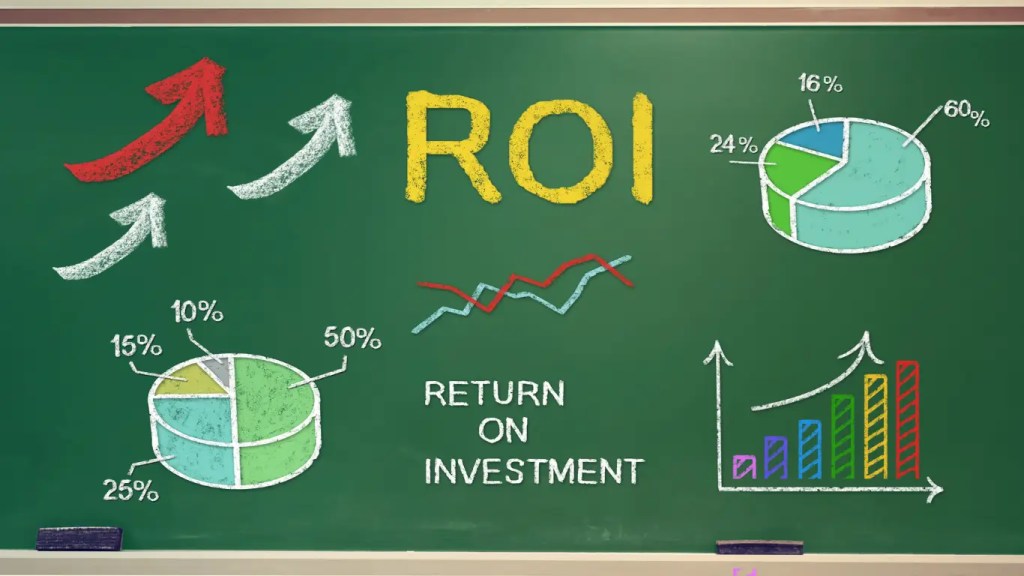
Benefits for Businesses
Implementing Android MDM brings real ROI:
- Lower security risks from lost or misused devices
- Better control over app usage and data sharing
- Simplified device setup and onboarding
- Support for remote/hybrid work environments
- Cost savings through reduced downtime and manual work
Many companies that explore MDM do so after realizing the operational challenges of managing devices manually. In fact, for those new to this approach, understanding what MDM actually is helps lay a solid foundation for Android-specific use cases.
Setting Up Android Enterprise
To unlock full MDM capabilities for Android, most solutions rely on Google’s Android Enterprise framework. This allows IT teams to:
- Enroll devices in bulk (zero-touch provisioning)
- Enable work profiles for BYOD setups
- Push apps through managed Google Play
- Lock down devices for single-use scenarios
With platforms like Android Enterprise and Google Endpoint Management, organizations can enforce policies, deploy apps securely, and protect sensitive business data across all Android devices.
Complete Human Network: Your MDM Partner
Whether you’re rolling out Android tablets for field workers or securing smartphones for remote staff, you need a partner who understands both the technology and your business goals.
At Complete Human Network, we help businesses implement Android MDM with minimal friction, from consultation and setup to monitoring and support.If you’re ready to better manage and secure your Android devices, we’re here to help.
FAQ
Is Android Device Management the same as Mobile Device Management (MDM)?
Not exactly. MDM is a broader term that covers the management of all types of mobile devices, including iOS, Windows, and Android. Android Device Management is a more specific approach tailored to the Android operating system. It leverages tools like Android Enterprise to offer deeper integration and controls specific to Android devices.
Can Android MDM work on employee-owned devices (BYOD)?
Yes. Many Android MDM solutions support BYOD environments using work profiles. This feature separates business data from personal data on the same device, ensuring corporate security while preserving user privacy. IT can manage the work profile without accessing personal apps or information.
Do I need a Google Workspace account to use Android Enterprise?
While having Google Workspace can simplify integration, it’s not mandatory. Many MDM providers support Android Enterprise enrollment for organizations without Workspace accounts. However, certain features—like advanced app deployment or tighter integration with Google services—may require a managed Google account.
Related Post
Secure Your Android Devices with Confidence
Talk to us today to implement a tailored Android MDM solution that protects your data and boosts productivity.