


Apple Mobile Device Management FAQ: What You Need to Know

Apple Mobile Device Management FAQ

Apple devices are widely trusted in business environments for their sleek design and reliable performance. But managing multiple devices while ensuring data security can be complex. This Apple MDM FAQ has all the answers you need. Learn how Apple Mobile Device Management (MDM) simplifies configuration, security, and monitoring for iPhones, iPads, and Macs.

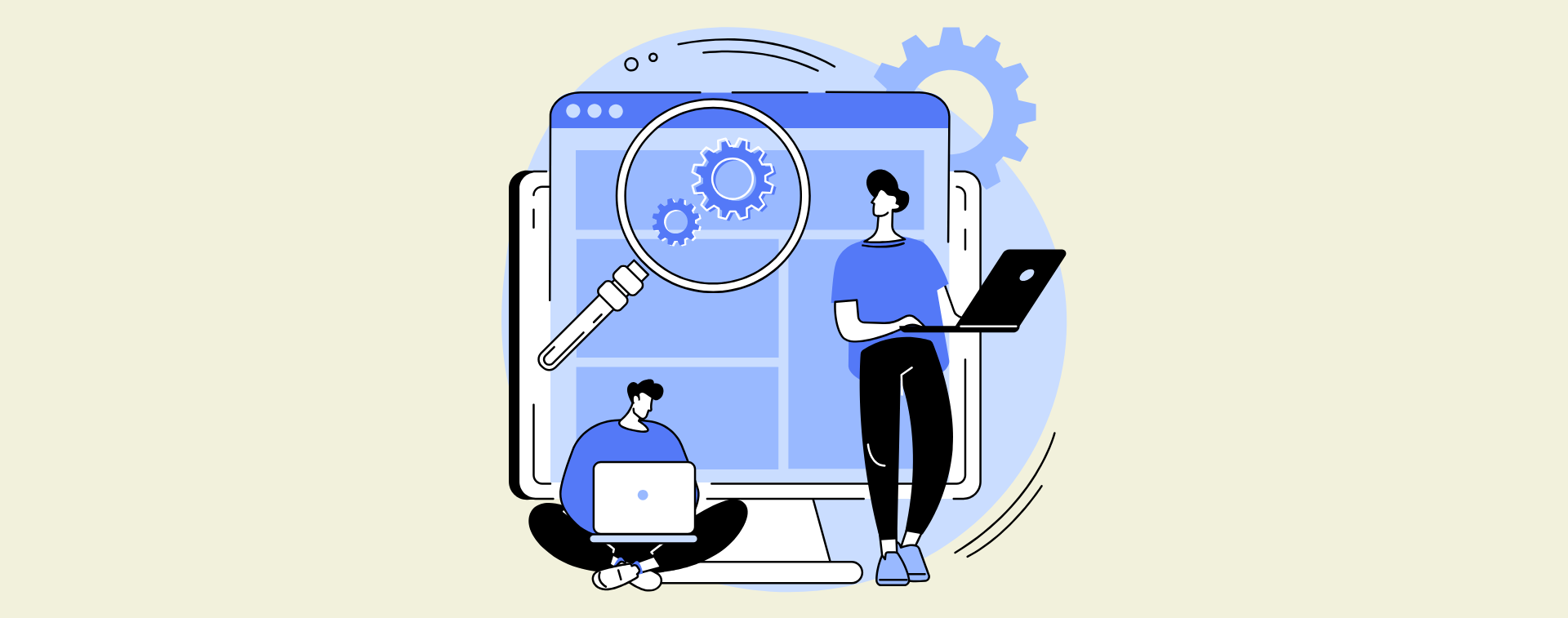
Apple Mobile Device Management (MDM) logo

What is Apple MDM?

Apple MDM is a centralized solution designed to remotely manage Apple devices such as iPhones, iPads, Macs, and Apple TVs. It helps businesses enforce security policies, push updates, and install apps without needing physical access to each device.

Why Do Businesses Need Apple MDM?

Apple MDM enables businesses to streamline device deployment and maintenance. IT teams can pre-configure devices before handing them to employees, saving time and reducing setup errors. It also enforces security policies, ensuring compliance and protecting sensitive data—critical for remote and hybrid teams.

Woman using Apple devices

What Are the Advantages of Apple MDM?

Key benefits include:


  • Remote management – Control settings and install applications without physical handling.

  • Automated updates – Keep devices secure with regular OS patches and updates.

  • Policy enforcement – Ensure compliance with company security standards.

  • Self-service portals – Empower employees to access approved tools without IT involvement.

  • Device tracking and wiping – Secure data by locking or erasing lost devices.

Tools like Jamf Pro also support zero-touch deployment, automating device setup before they’re delivered to users.

Frequently Asked Questions About Apple MDM

1. What is Device Supervision?

Device supervision provides IT with advanced control over company-owned iOS devices. It allows restrictions on app installations, data sharing, and configurations. Businesses can also schedule updates and enforce policies automatically.

2. What is Apple Business Manager (ABM)?

Apple Business Manager is a portal for businesses to purchase and manage Apple devices in bulk. It integrates with MDM systems to automate device enrollment and configuration.


Key Features of ABM:


  • Purchase and assign devices before they’re delivered.

  • Distribute apps and content without personal Apple IDs.

  • Simplify onboarding for remote teams.

3. How Does ABM Work with MDM?

ABM and MDM complement each other:


  • ABM handles procurement, assignment, and initial setup.

  • MDM manages ongoing security, updates, and app distribution.

4. What is Apple School Manager (ASM)?

Apple School Manager is a deployment tool tailored for education. It simplifies device setup, app distribution, and student learning tools. Paired with Jamf School, it supports interactive and remote learning environments.

5. What is a Managed Apple ID?

Managed Apple IDs are business-specific accounts created through ABM or ASM. Unlike personal IDs, they allow IT teams to control access and data security.

6. What is Zero-Touch Deployment?

Zero-touch deployment configures devices automatically when powered on. Devices receive settings, apps, and policies without IT teams needing to handle them, ideal for remote workers.

7. What is Apple Configurator 2?

Apple Configurator 2 is a manual setup tool for iOS and macOS devices. While useful for small-scale setups, it lacks automation features, making MDM better for larger deployments.

8: What is Apple Push Notification Service (APNs)?

APNs allow MDM systems to push updates and commands to devices in real time. This eliminates the need for constant connections, preserving battery life.

9. Is DEP the Same as ABM?

No. DEP (Device Enrollment Program) was Apple’s earlier enrollment tool. It is now part of ABM, which adds features like app purchasing and Managed Apple ID creation.

10. Does Apple Support BYOD?

Yes. Apple devices are ideal for Bring Your Own Device (BYOD) programs. MDM separates personal and work data, ensuring privacy and security.

11. What Data Can an MDM Access?

MDMs can monitor:

  • Installed apps and OS versions.

  • Device compliance and configurations.

  • Security status and potential threats.

  • Device location (in Lost Mode only).

  • Remote lock and wipe options.

12. What Does an MDM NOT Access?

MDMs cannot:


  • Read messages, emails, or photos.

  • View personal browsing history.

  • Monitor private app data or activities.

13. Can MDM Manage macOS Devices?

Yes. Apple MDM fully supports macOS, enabling remote configuration, software distribution, and security enforcement for Mac computers.

14. Does MDM Work with Third-Party Apps?

Yes. MDM solutions allow IT teams to deploy and manage third-party applications, ensuring compatibility and security across all managed devices.

15. How Does MDM Handle Lost or Stolen Devices?

MDM can remotely lock, wipe, or track devices to prevent unauthorized access. It also supports Lost Mode to display a message on the device’s screen.

16. What is the Best MDM Solution for iOS?

Top MDM solutions for iOS include Jamf Pro, Mosyle, and Kandji. These tools are highly rated for their seamless integration with Apple devices, offering features like zero-touch deployment, enhanced security, and efficient device management. They are ideal for businesses looking to simplify Apple device control.

Follow us

Stay updated with the latest insights on Apple Mobile Device Management by following us on LinkedIn and Facebook.

Recent Post

Published: December 5,2025 Mac Security Is Good, But We Make It Perfect Mac has always been known for strong security and a …

Published: Nov 21,2025 Jamf Executive Threat Protection: AI Analysis Beta Ushers in a New Era of Mobile Forensics Jamf has taken another …
Published: Nov 3,2025 Apple M5 Breaks Records: Outrunning Snapdragon and AMD in Early Tests Apple has once again raised the performance bar …

Published: Oct 1,2025 Automating iPad and Mac Resets with Shortcuts and Apple Configurator In today’s fast-paced education and enterprise environments, efficiency and security …

Leave a Comment

Your email address will not be published. Required fields are marked *